ALL OF RÉSERVPRO, IN ONE PLATFORM
Everything you need to manage your operations
From reservations and payments to access, communications and field operations, RéservPro brings together the tools you need to manage your business and give guests a smooth experience.
Reservations & availability
One view of everything you book
Manage availability in real time, whether you offer accommodations, activities, facilities, equipment or events.
Centralized calendar
View reservations, availability, arrivals and departures in one place.
Online reservations
Let customers book and pay directly on your website.
Capacity & time slots
Set schedules, durations, capacities, opening periods and booking rules.
Waiting lists
Fill newly available spaces more easily and make the most of your availability.

Pricing, sales & revenue
Sell more than a reservation
Variable rates, packages, promotions and add-on sales: adapt your offer and centralize revenue generated before, during and after the reservation.
Flexible pricing
Seasons, days, customer categories, durations and special periods.
Packages & promotions
Combine products or services and create discounts, promo codes and special offers.
Gift cards & subscriptions
Manage gift cards, membership cards, subscriptions and benefits.
Connected point of sale
Centralize shop, food service, rental and other on-site purchases.

Accounting & QuickBooks
Connect your bookings, payments and accounting.
Keep invoices, payments, deposits and revenue together in RéservPro. Prepare your cash closing and give your bookkeeper detailed reports or a daily transfer to QuickBooks Online.
Invoicing and customer balances
Bring bookings, products and services together on your invoices. View payments received, deposits and outstanding amounts to keep track of customer accounts.
Payments and cash closing
Review receipts and refunds by period and payment method. The closing view helps you check the amounts to deposit.
Deposits and advance payments
Distinguish payments received before a stay or service from revenue for the period. The cash report shows customer advances and accounts receivable.
Revenue and accounting accounts
Assign services and categories to your chart of accounts. Analyze revenue by account, category or item and find the invoice behind a transaction.
Taxes and transaction history
Review revenue before tax, GST, QST and applicable lodging tax. Revenue adjustments and cancellations remain traceable in the revenue ledger.
Reports for your bookkeeper
Choose your period and the posting, stay start or stay end date, depending on the report. Print results or export them to Excel for review and bookkeeping.
RéservPro → QuickBooks Online
Compatible with QuickBooks Online through its API.
Connect your QuickBooks Online company to RéservPro to send one summary journal entry per completed day. Payments, revenue, taxes and advance payments are grouped by their mapped accounting accounts.
- 01Connect your company
Authorize the connection to your QuickBooks Online company from RéservPro. The integration supports Canadian companies using Canadian dollars.
- 02Check the accounts and first day
Map your chart to QuickBooks accounts, review the preview, then send and check a first day with the person responsible for your bookkeeping.
- 03Enable daily transfers
Once account mappings and tax treatment have been validated, enable automatic transfers. You can review the results and history of processed days.
When enabled, RéservPro processes completed days in order. A confirmed day is not sent again; an uncertain result remains available for review in the history.
The transfer uses the cash report: revenue on the service date and payments on their payment date. It sends account totals rather than a copy of each customer invoice.
How are taxes transferred?
Tax amounts go to general ledger accounts. This transfer does not automatically populate the GST/QST return in the QuickBooks Tax Centre. Tax treatment must be checked with the person preparing your returns before activation.
Operations & teams
One reservation can set an entire operation in motion
Automatically turn reservations into practical tasks for your teams and keep a clear view of what needs to be done, where and when.
Automated tasks
A reservation can trigger preparation, maintenance, an inspection or other work.
Team calendar
Plan tasks and assign them to team members.
Work tracking
See what is planned, in progress or complete.
Resource management
Assign the equipment, spaces and resources needed for each activity or reservation.
Inventory & equipment
Know what is available. And where.
Manage equipment and products used in your operations while tracking their availability and use.
Real-time inventory
Quantities, availability and stock tracking.
Equipment rental
Automatically assign equipment to reservations.
Availability
Avoid booking the same resource twice.

Guest experience & self-service
Independent guests. Teams free to focus on service.
Give guests the tools to book, pay, check in and access services without always needing help from your staff.
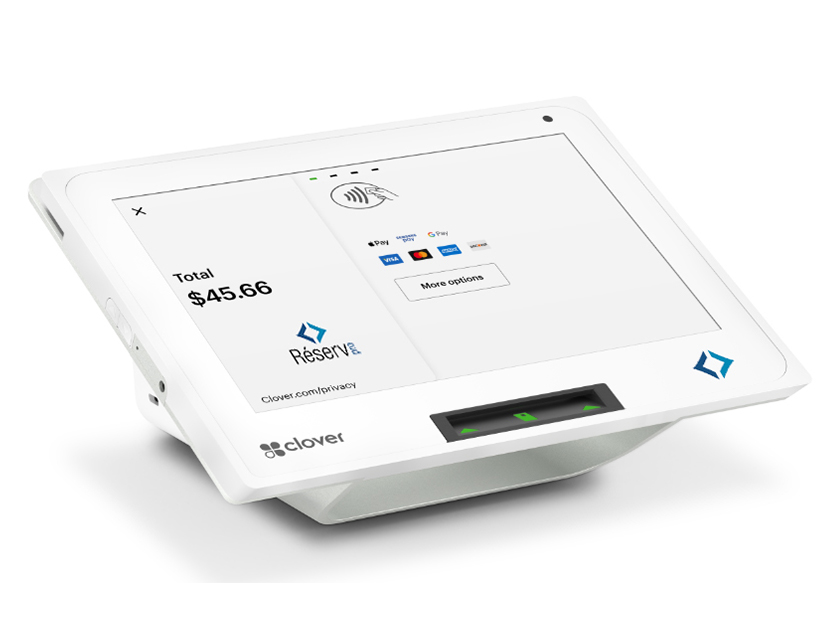
Your RéservPro self-service kiosk is compatible with Clover, Stripe and Shift4, including the PAX A800 terminal with Shift4.
Customer account
Reservations, registrations, payments and information in one place.
Self-service kiosks
Book, buy, find information and check in directly on site. Compatible with Clover, Stripe and Shift4.
Check-in & check-out
Automate arrivals and departures based on reservations.
Automation & communications
- Real-time reservations
- Flexible pricing
- Services and extras
- Centralized payments
- Channel synchronization
EVERYTHING CONNECTED
Our equipment works for you
All products communicate with RéservPro in real time to automate each step of the visitor journey.
No duplicate data entry
Reservations, payments and access rights update automatically in RéservPro.
Always up-to-date information
Every device uses the same availability, rates and guest data in real time.
A smooth visitor experience
Booking, paying, entering or finding information is straightforward, with no break in the visitor journey.
Less staff intervention
Automate repetitive tasks and let your team focus on welcoming and serving guests.
Intuitive dashboard
One view of your operations
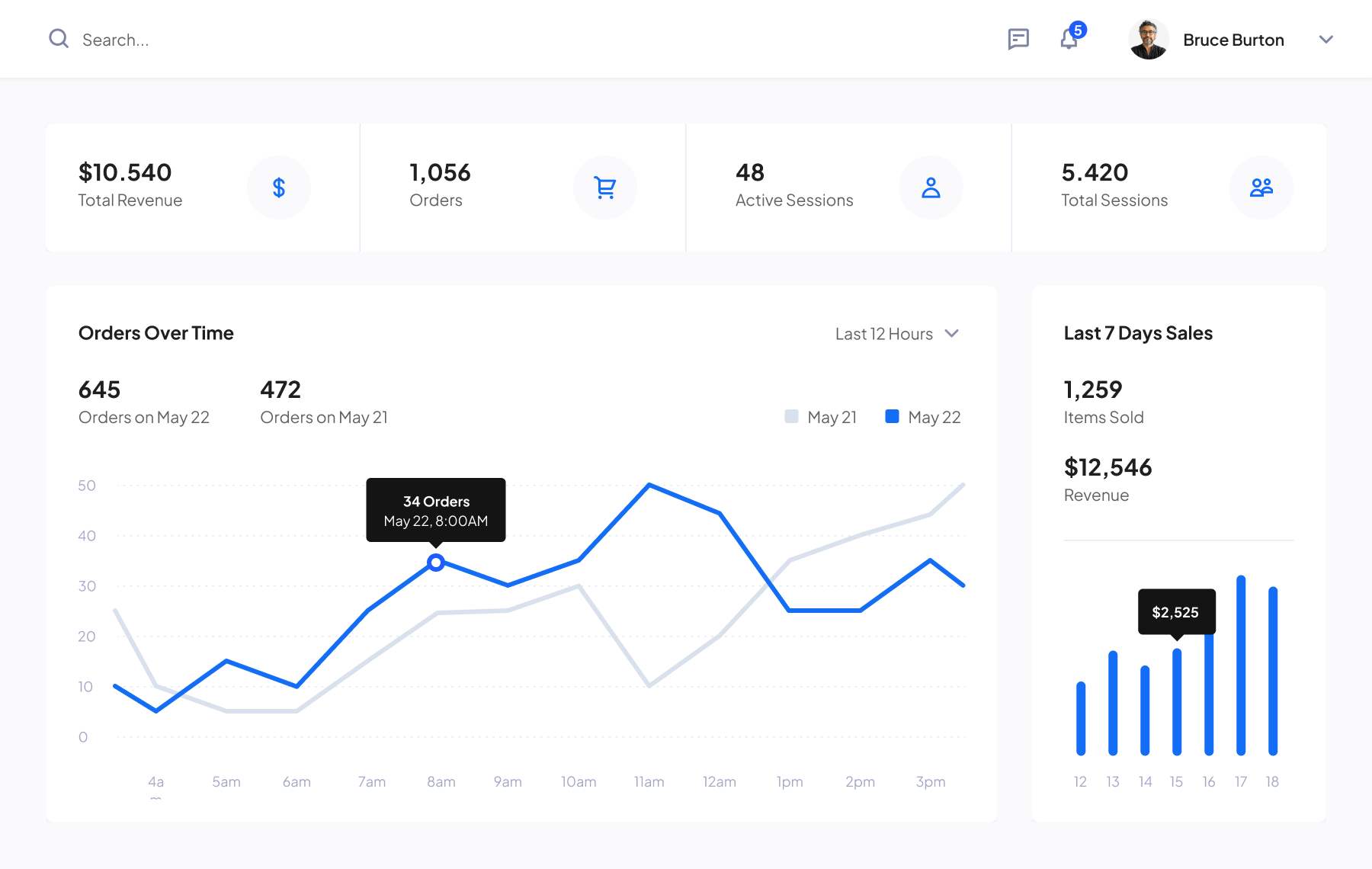
View reservations, availability and revenue from one dashboard.
- Flexible configuration
- Set up your business