CONNECTED EQUIPMENT

All your equipment. One platform.

Centralize payments, self-service arrivals and access control with connected equipment that communicates with RéservPro in real time.

Payment terminals

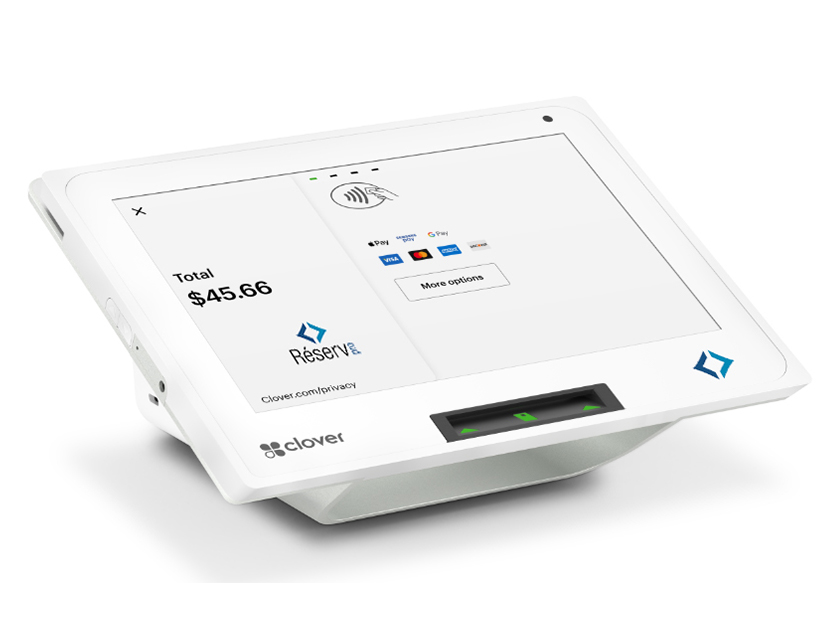
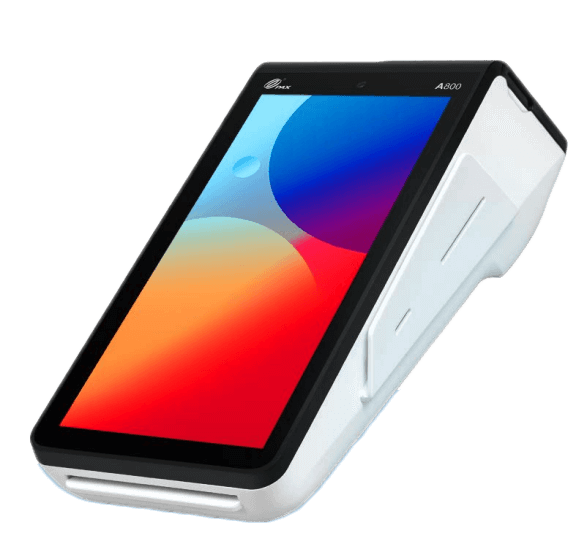
Accept on-site payments with Clover, Stripe or Shift4, including the PAX A800 with Shift4.

Self-service kiosk

Self-service arrivals, reservations and payments, compatible with Clover, Stripe and Shift4.

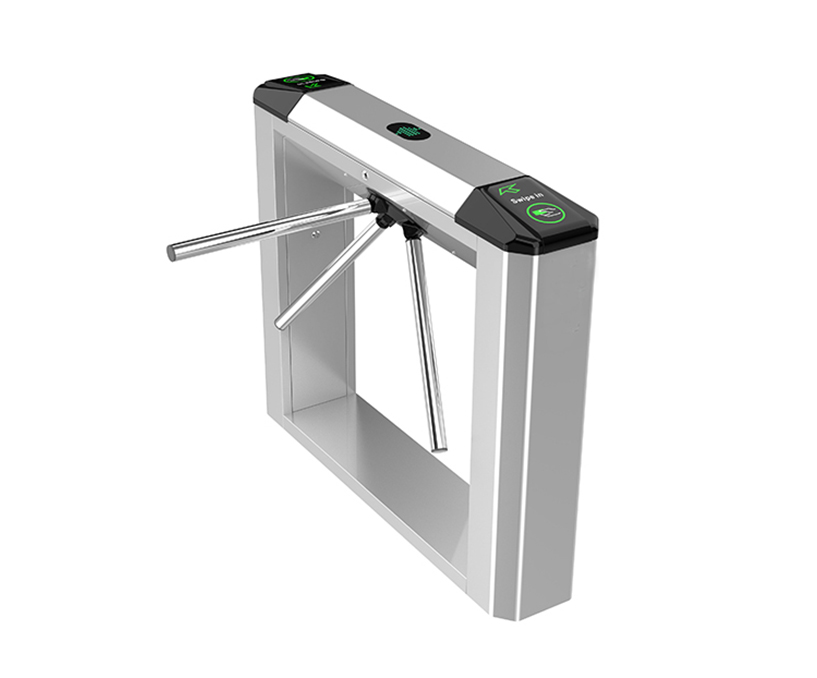
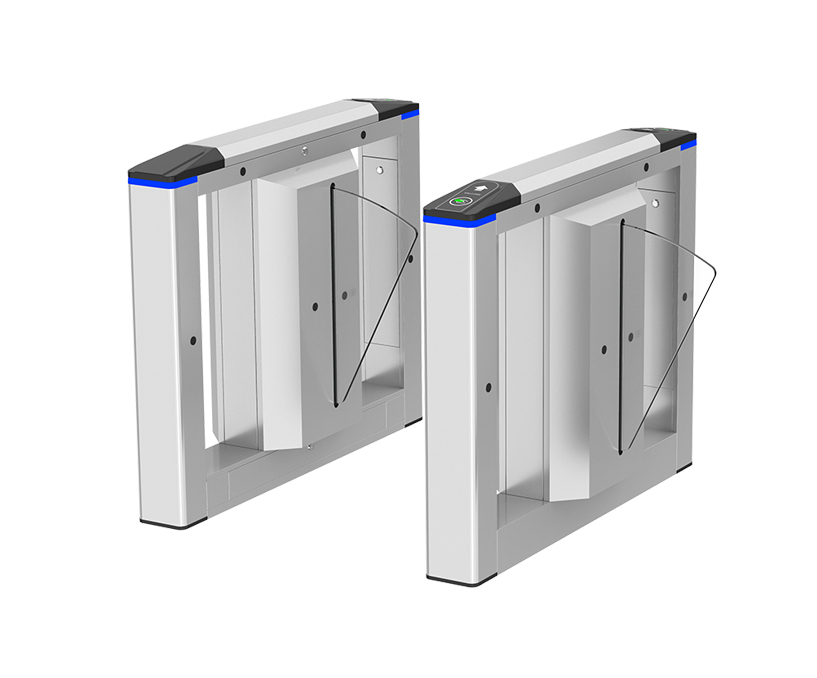
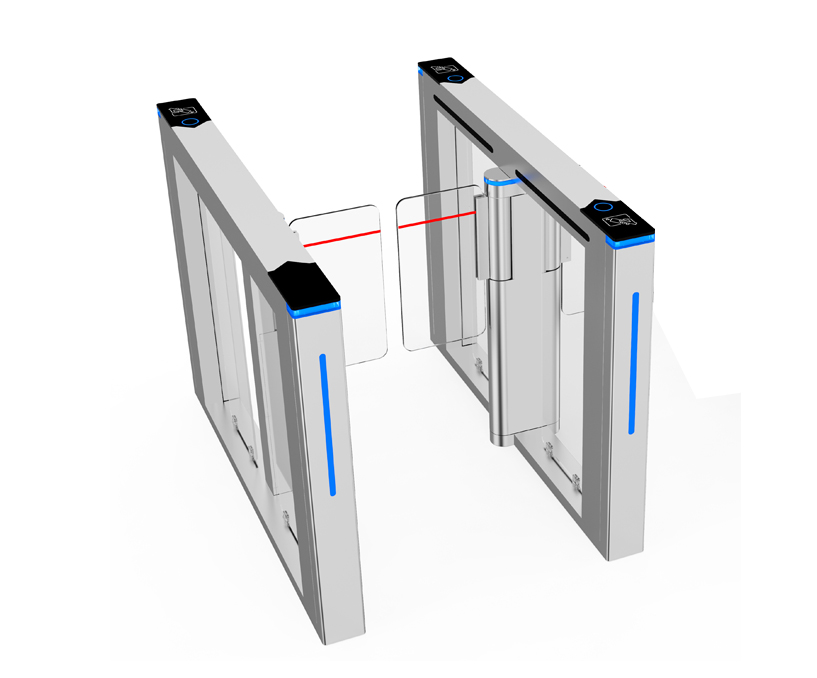
Gates and turnstiles

Manage gates, turnstiles, QR readers and other equipment connected to RéservPro.

Payment terminals

Connected payments with Clover, Stripe or Shift4

Accept on-site payments with Clover, Stripe or Shift4, including the PAX A800 terminal with Shift4. Each transaction is automatically linked to the corresponding reservation or invoice, making payment collection and tracking easier. Choose the terminal that suits your payment provider and your business.

Fast payments

Easily accept card, contactless and mobile wallet payments.

Automatic synchronization

Each transaction is automatically linked to the corresponding reservation, without manual intervention.

Mobile terminal

Take payments at reception, on the move or anywhere on your site.

Advanced inventory management

Track stock in real time, receive alerts and view sales reports.

RéservPro interface in English on a phone and computer with a Clover payment terminal
Clover
PAX A800 — terminal de paiement Shift4
PAX A800 · Shift4

Accounting & QuickBooks

QuickBooks Online: a direct link to your accounting.

RéservPro connects to QuickBooks Online through its API. Once accounts are mapped and a first day has been verified, you can enable automatic nightly transfers of daily totals: payments, revenue, taxes and advance payments. Transfer results remain available in RéservPro.

Self-service kiosk

Make your services available around the clock

Fully connected to RéservPro, the self-service kiosk gives visitors direct access to your services on site. Reservations, payments, availability and content are synchronized automatically, with no duplicate entry.

Compatible with Clover, Stripe and Shift4, the RéservPro kiosk connects to the payment solution you choose. With Shift4, payments can be processed on a PAX A800 terminal.

Synchronized reservations

Reservations made at the kiosk are immediately recorded in RéservPro.

Integrated payments

Visitors can book and pay for services directly at the kiosk.

Up-to-date programs

Change activities, rates or information in RéservPro: the kiosk updates automatically.

Less waiting at reception

The kiosk reduces queues and lets visitors quickly access your services.

A fully self-service experience

Visitors book and pay at their own pace, without staff assistance.

Available at any time

Visitors can book and pay on site even when reception is closed.

Self-service booking kiosk with an English catalogue in a reception area

BOOKING & AUTOMATED ACCESS

A booking becomes the key to the door.

Link a smart lock to a hotel room, cabin, glamping unit or rental room. RéservPro connects the door code to the booking to simplify arrivals and key management.

  1. The booking sets access.For a confirmed, invoiced booking, a temporary code is prepared within 48 hours before arrival.
  2. The guest receives an access link.Accommodation details, dates and the door code are available in a web page, with no lock app to install.
  3. The door opens during the authorized period.Enter the code on the keypad or use “Unlock” when the lock and gateway are connected.
Hotel roomsCabinsReady-to-camp unitsRental rooms

Requires a compatible TTLock lock and a nearby Wi-Fi gateway. Hardware compatibility and range must be checked for your premises.
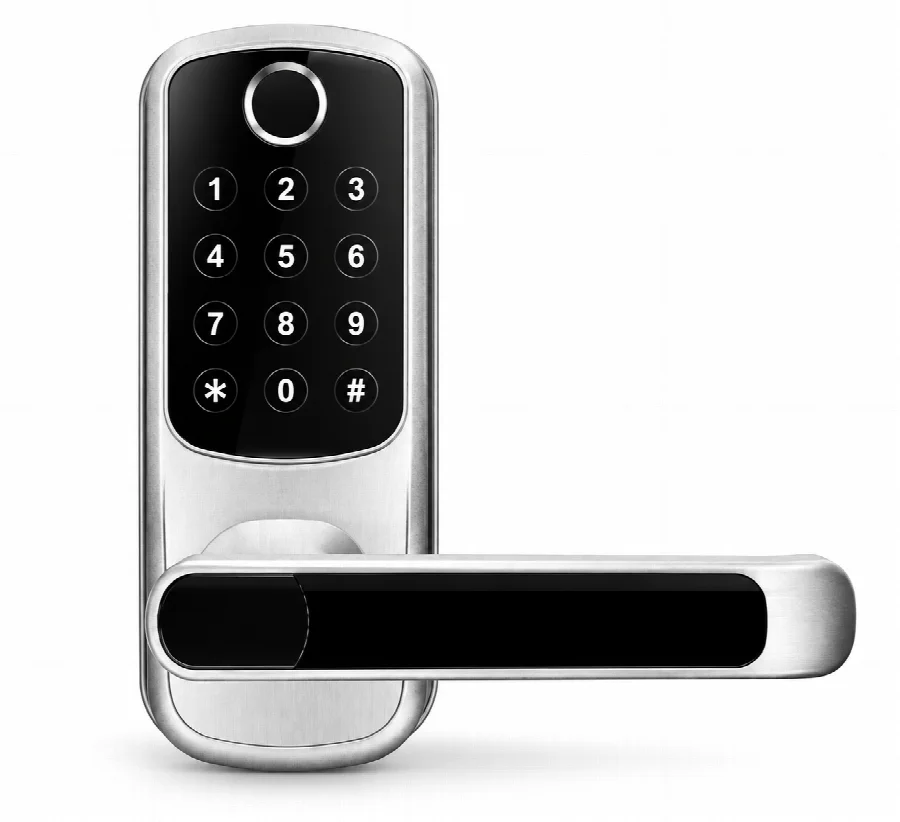
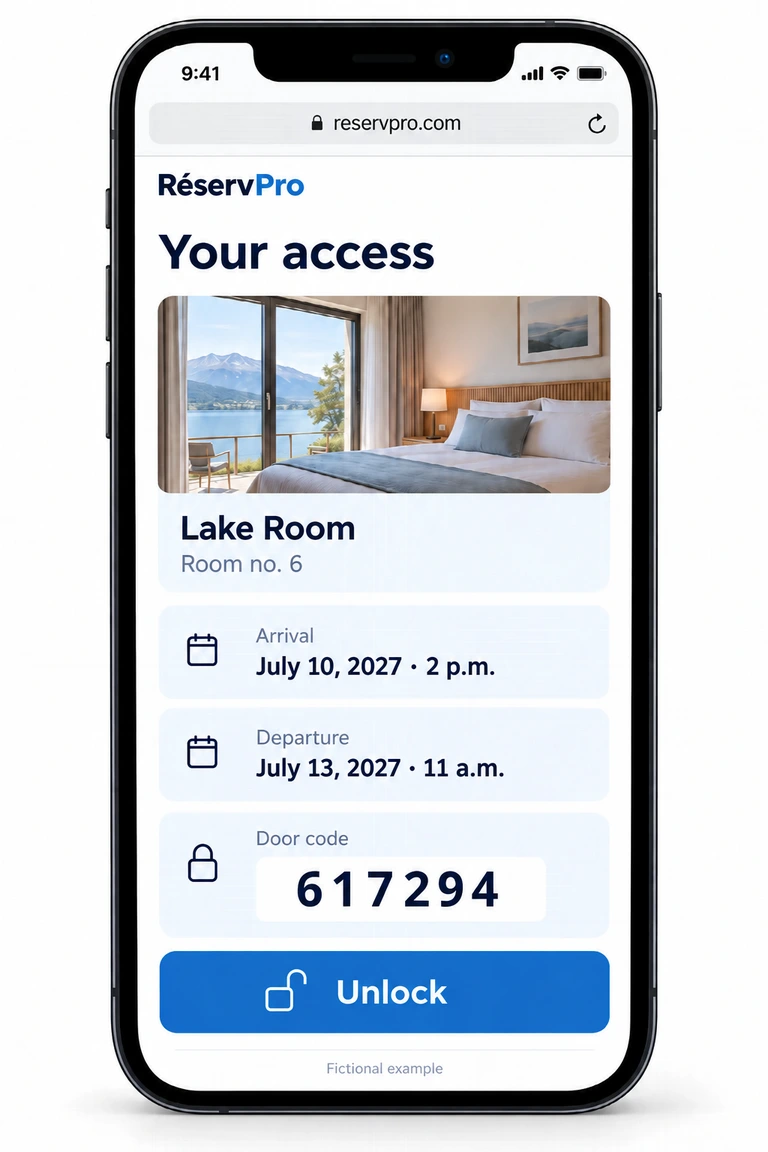
Illustration of a connected keypad door handle, without an app or fingerprint graphics.Fictional English room access page with stay dates, door code and unlock button
Illustration: fictional stay and code. The example screen is in French.

Gates and turnstiles

Automate access to your property

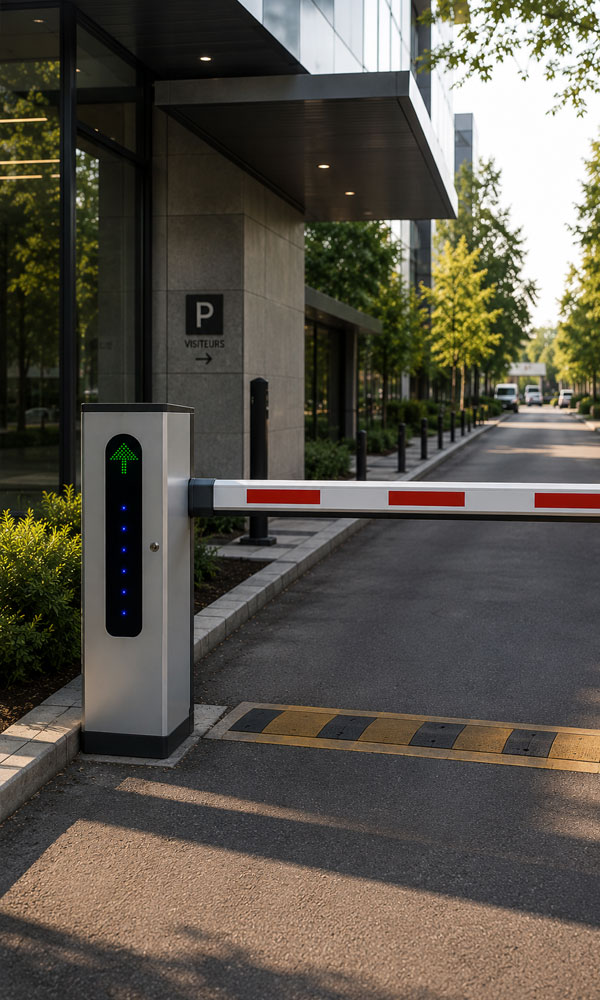
Connected to RéservPro, gates and turnstiles automatically authorize entry according to visitors' reservations, memberships or access rights. Offer smooth arrivals without staff intervention.

Simpler arrivals

Visitors with valid reservations can enter quickly without stopping at reception.

Welcome guests 24/7

Allow access even when reception is closed, while maintaining security.

Reservation-based access

Automatically authorize arrivals and departures based on reservations in RéservPro.

Real-time management

Activate, change or disable access instantly from RéservPro.

Less waiting at reception

Keep arrivals flowing by reducing queues and repetitive tasks for your team.

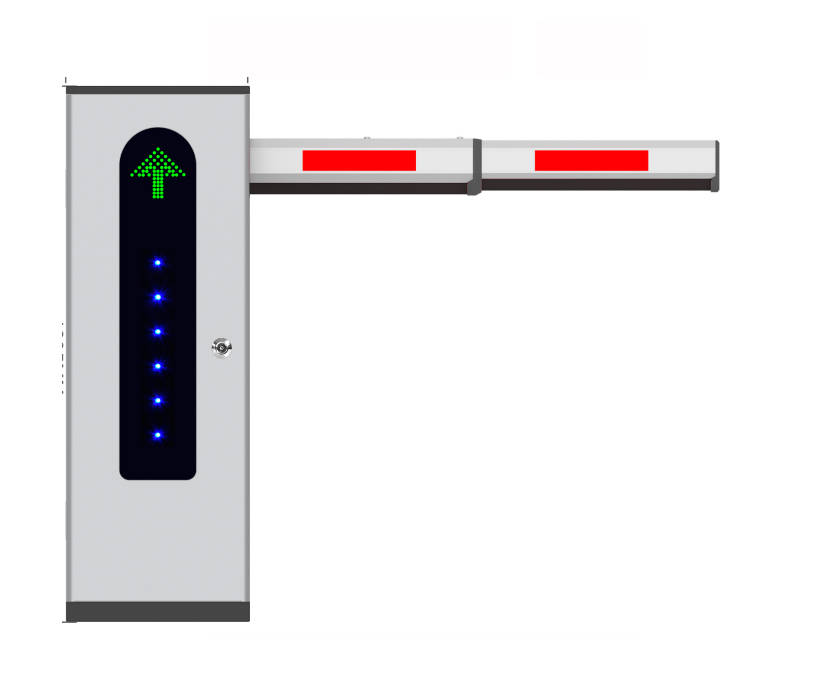
GPRO Auto

Detection at distances of up to 6 m
Optional RFID system (sticker detection)
Adjustable width up to 300 cm
Operating temperature: -30 to 80°C

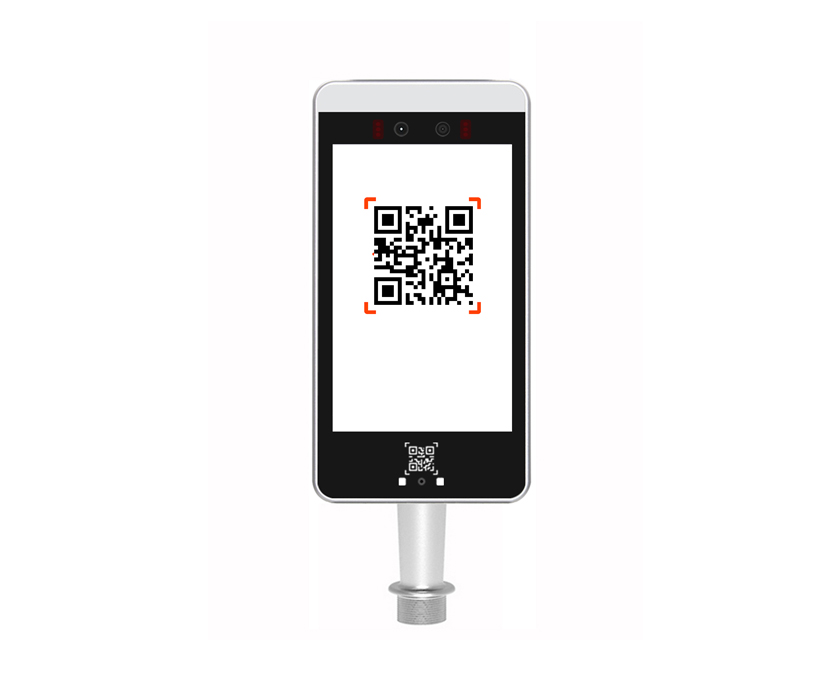
QR code reader

Indoor / outdoor
Wi-Fi and LAN connectivity
Android device
Member or employee database
Connected to RéservPro

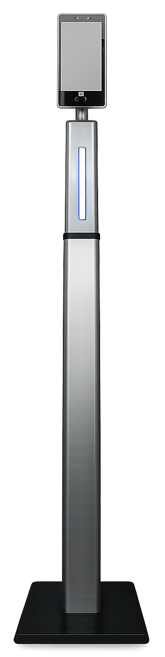
GPRO Auto stand

Indoor / outdoor
Width: 60 cm
Operating time: 0.6 sec.
Operating temperature: -25 to 75°C

GPRO Économe

Indoor / outdoor
Width: 55 cm
Operating time: 1 sec.
Operating temperature: -15 to 60°C

GPRO Essentiel

Indoor / outdoor
Width: 60 cm
Operating time: 0.6 sec.
Operating temperature: -25 to 75°C

GPRO Deluxe

Indoor / outdoor
Width: 60 cm
Operating time: 1 sec.
Operating temperature: -25 to 75°C

EVERYTHING CONNECTED

Our equipment works for you

All products communicate with RéservPro in real time to automate each step of the visitor journey.

No duplicate data entry

Reservations, payments and access rights update automatically in RéservPro.

Always up-to-date information

Every device uses the same availability, rates and guest data in real time.

A smooth visitor experience

Booking, paying, entering or finding information is straightforward, with no break in the visitor journey.

Less staff intervention

Automate repetitive tasks and let your team focus on welcoming and serving guests.

Tell us about your business

Let us know what you offer, what you need and how to reach you. Our team will help you explore the right RéservPro setup.

Email info@reservpro.com

1 800 261-6802 · Monday–Friday, 9 a.m.–5 p.m. Eastern time

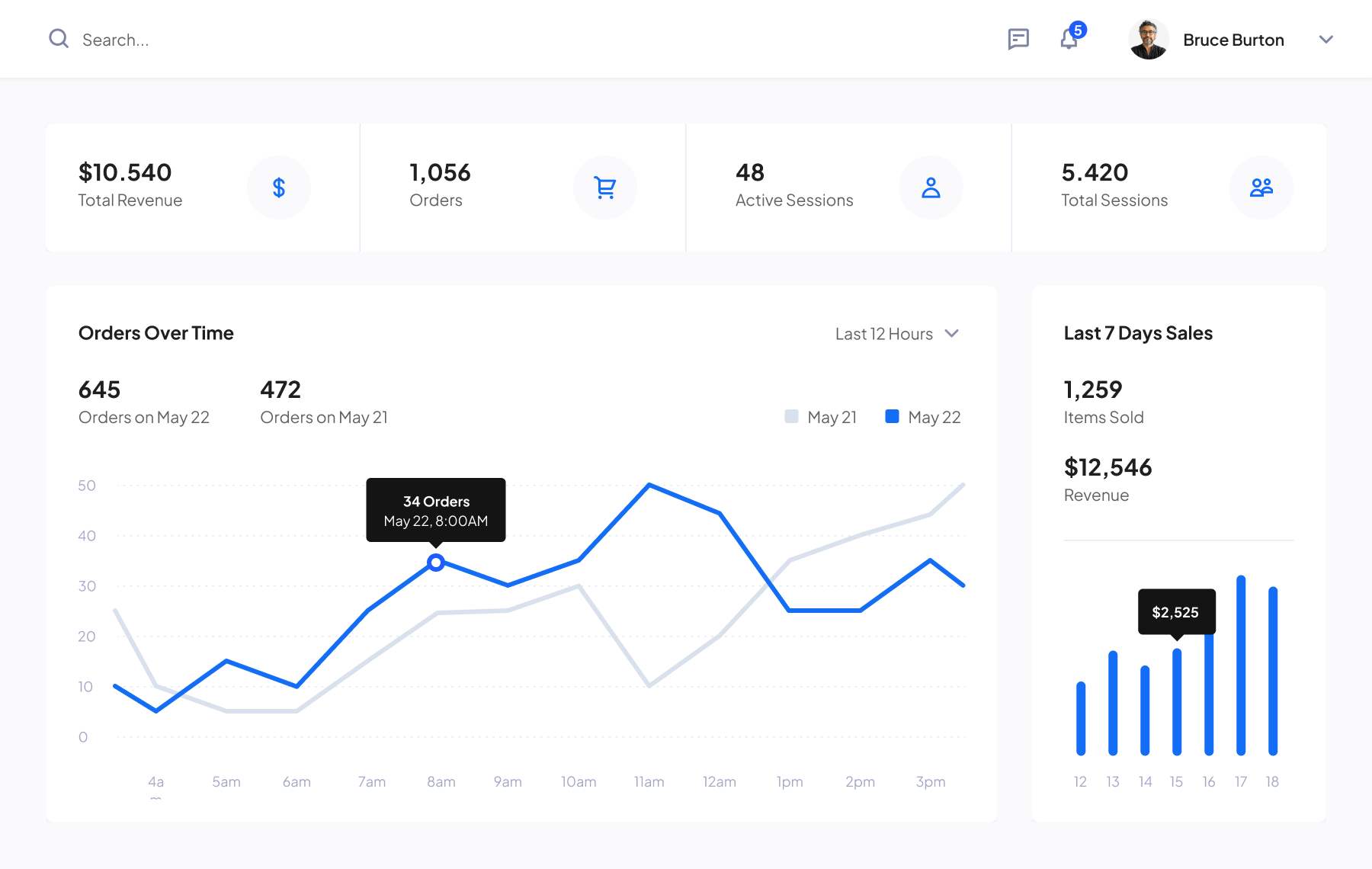
Intuitive dashboard

One view of your operations

View reservations, availability and revenue from one dashboard.

Cloud platform

Access your management tools online

  • Task management Organize tasks and coordinate your team.
  • Operations overview Share information and track progress.
  • Reports and statistics Use your data to understand your operations.