

BOOKING & AUTOMATED ACCESS
The booked room, accessible at the right time.
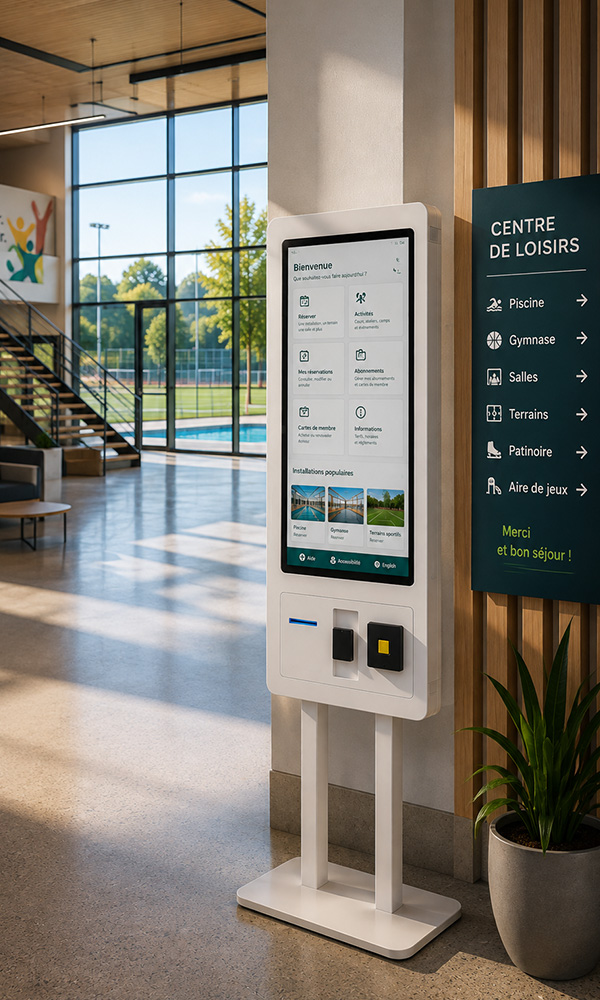
For a rental room fitted with a compatible lock, link access to the booking and its configured arrival and departure times. The organizer finds access details through a RéservPro link, without collecting keys in person.
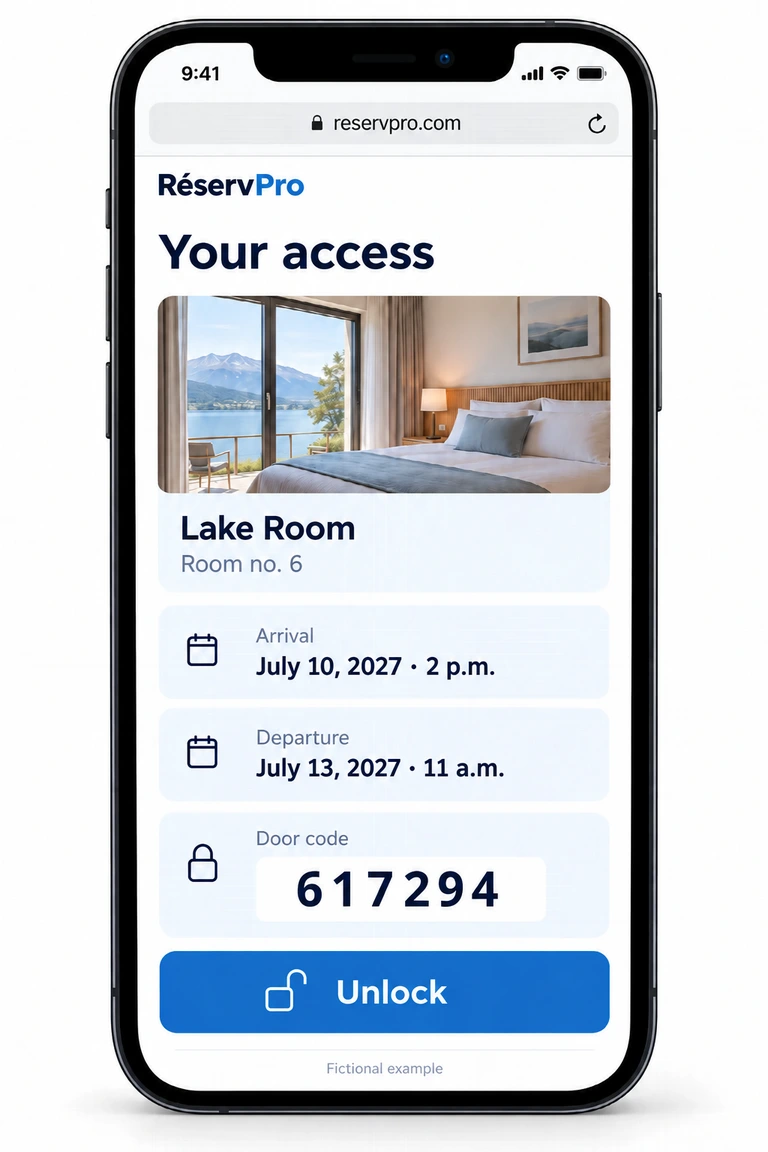
- The booking sets access.For a confirmed, invoiced booking, a temporary code is prepared within 48 hours before arrival.
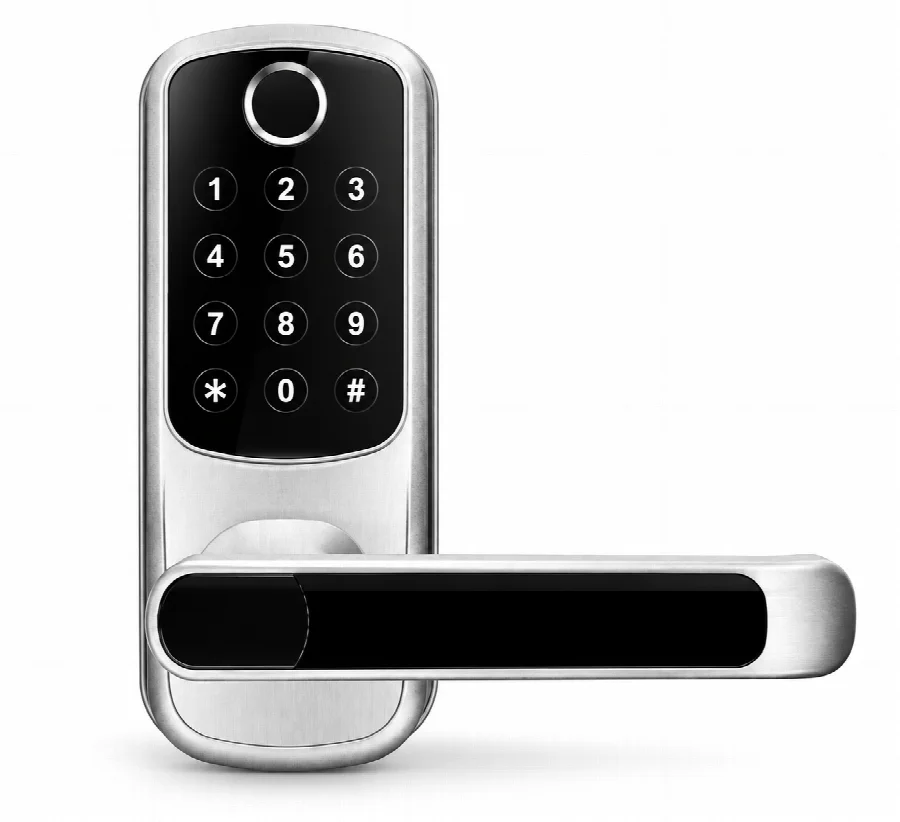
- The organizer receives an access link.Room details, dates and the door code are available in a web page, with no lock app to install.
- The door opens during the authorized period.Enter the code on the keypad or use “Unlock” when the lock and gateway are connected.
Requires a compatible TTLock lock and a nearby Wi-Fi gateway. Hardware compatibility and range must be checked for your premises.
Bookings + Igloohome access
Igloohome compatibility · Padlock 2
Self-service rentals, even without Wi-Fi at the lock.
Connect RéservPro bookings with compatible Igloohome locks, such as the Padlock 2. The planned workflow links the reserved equipment to a temporary algoPIN for the agreed access period.
Availability, rental durations, payments and telephone bookings continue to be managed in RéservPro. The Igloohome connection prepares access to the right equipment.
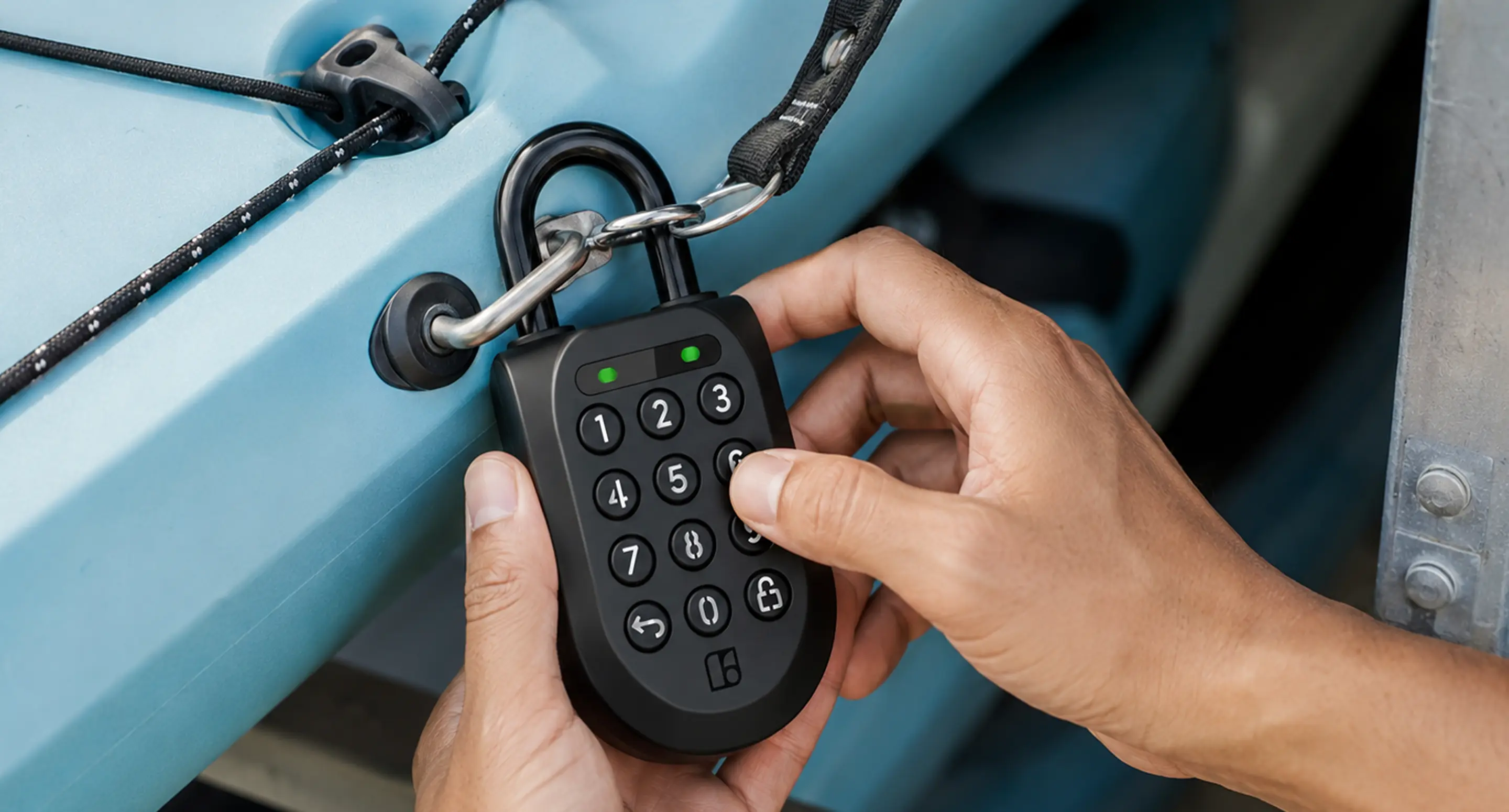
- Choose and book
Customers choose a kayak, paddleboard or other offered equipment, then select an available date and duration on your website.
- Confirm payment
The booking and payment are validated in RéservPro. Your team can also enter bookings received by phone.
- Receive the code
Once the integration is activated, the code for the assigned lock becomes available with the instructions, according to your agreed lead time.
- Collect and return
Customers enter the code, use the equipment, then return it to the same location and close the lock following your instructions.
Example use case
A municipal kayak and paddleboard station.
A municipality or recreation organization wants to offer four kayaks and four stand-up paddleboards, each assigned to its own lock. Residents book a watercraft for two hours, four hours or a full day, based on the operator’s hours and rates.
The team manages online and telephone bookings in one place. This scenario illustrates a possible project; it does not describe an existing RéservPro installation.
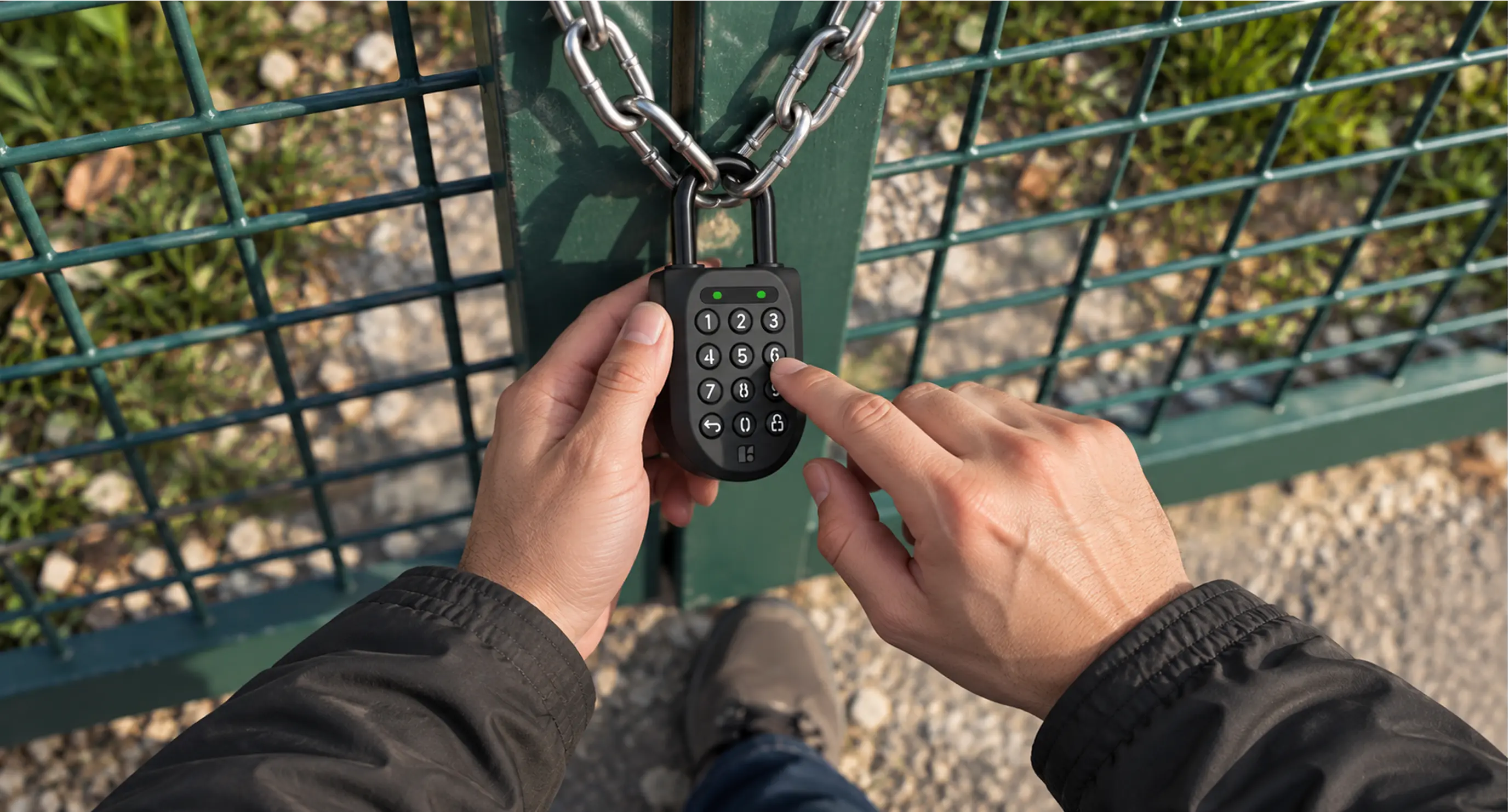
An algoPIN-compatible Padlock 2 can validate its code without Wi-Fi or cellular coverage at the station. RéservPro and the customer need internet access to book, pay and view the code and instructions, if needed before travelling to the site.
How do we prepare your installation?
We validate compatible models, assign each equipment item to its lock, and review access periods and return procedures. A successful test on the selected lock model is required before launch.
Which locks and rental durations are supported?
Igloohome lists the Padlock 2 among its algoPIN-compatible models. This pilot uses hourly codes with departures on the hour and whole-hour durations of at least one hour. Lock selection and access times are validated for your project.
How do cancellations and returns work?
A code already shared with a customer may remain usable on an offline lock until it expires. Closing the lock does not by itself confirm that the equipment has been returned. We work with you to define return, change and cancellation procedures.
What do we need to get started?
An Igloohome account, compatible locks paired with that account and a payment provider compatible with RéservPro. Hardware and the manufacturer’s API fees are separate; terms must be confirmed for your project.
Photos: Igloohome / igloo. Manufacturer illustrations; they do not show a RéservPro installation.